Windows App Launch & Smart Find-Replace
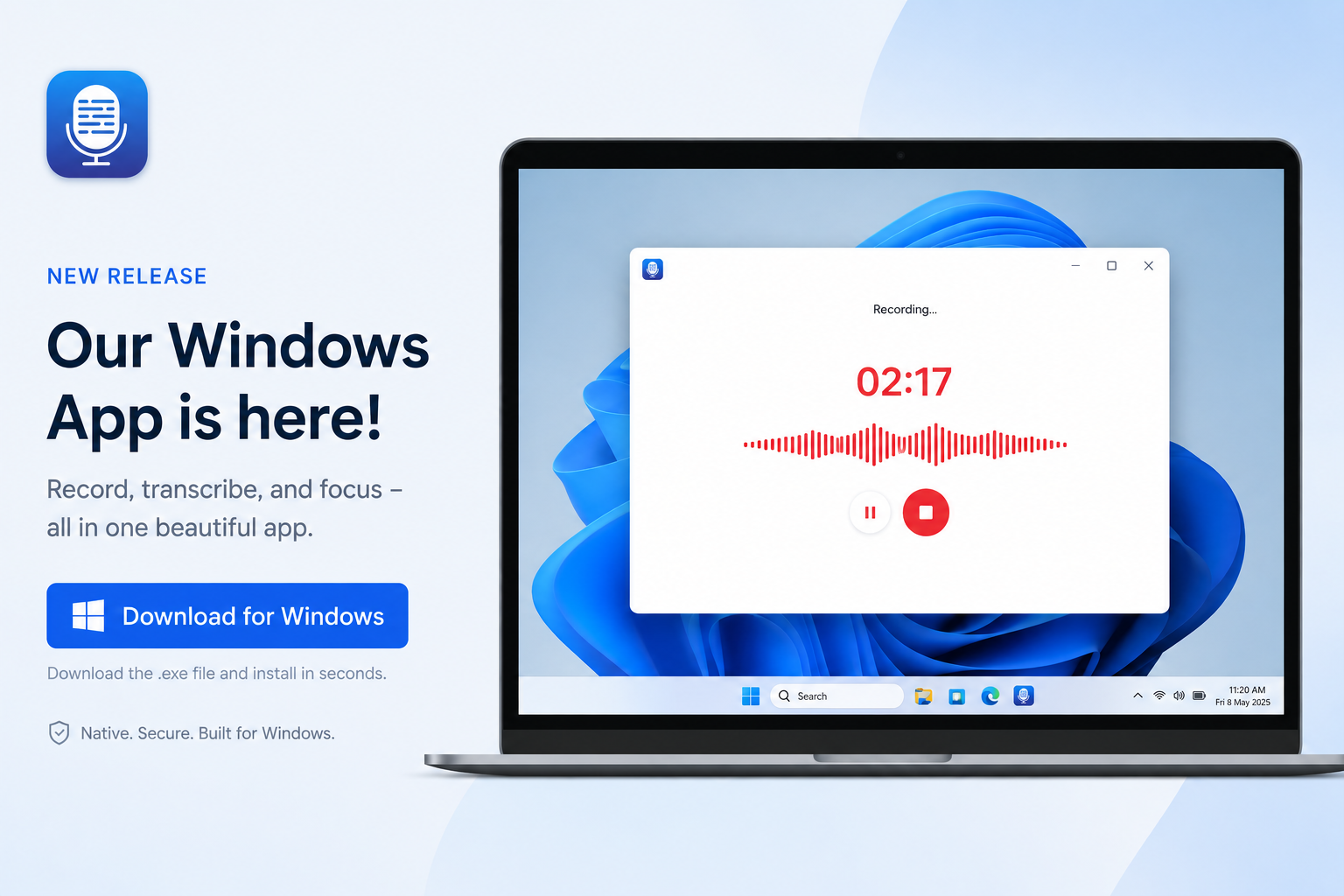
Transcript LOL is now available on Windows! We also added a new auto find and replace setting in the workspace to save you time. Check out the full update below.
Windows app is here
Record meetings from any app on your Windows PC — Zoom, Google Meet, Microsoft Teams, Slack huddles, Discord, even Webex meeting in your browser. If it makes sound on your PC, we can transcribe it.
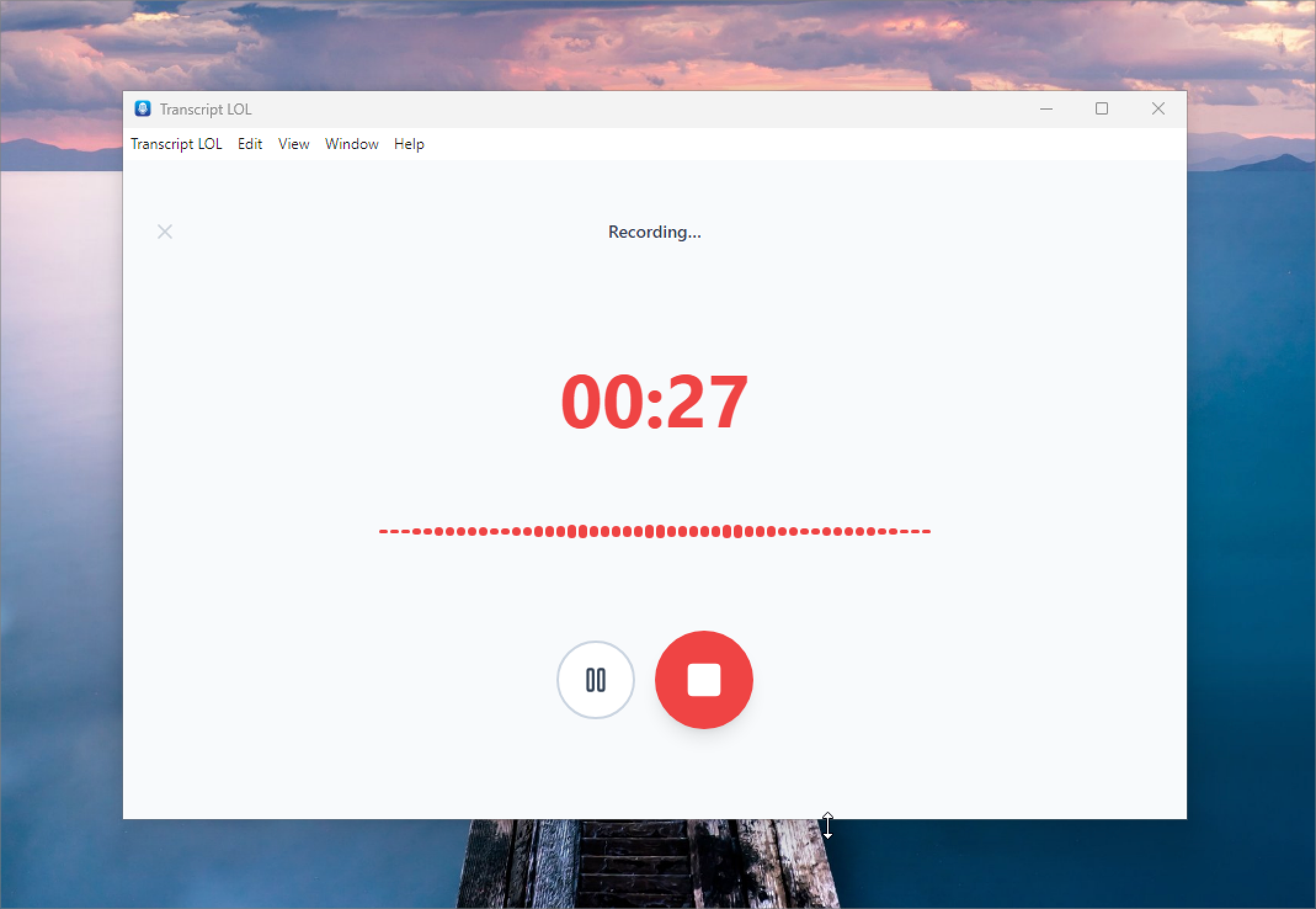
⬇️ Download for Windows (64-bit)
One-click recording from system tray
No more juggling browser tabs or hunting for the right window. A small icon lives in your Windows system tray — click it once to start recording, click it again to stop. That's it. The recording uploads straight to your Transcript LOL account, where transcription, speaker detection, summaries, and AI insights kick off automatically.
Find and replace automatically
We added a new workspace setting where you can add a list of words our model tends to get wrong — for example, transcribing Jon when you mean John. The two names sound identical, so this is a hard nuance for the model to capture on its own. Custom vocabulary is probabilistic, so it may not always get it right — but we tried!
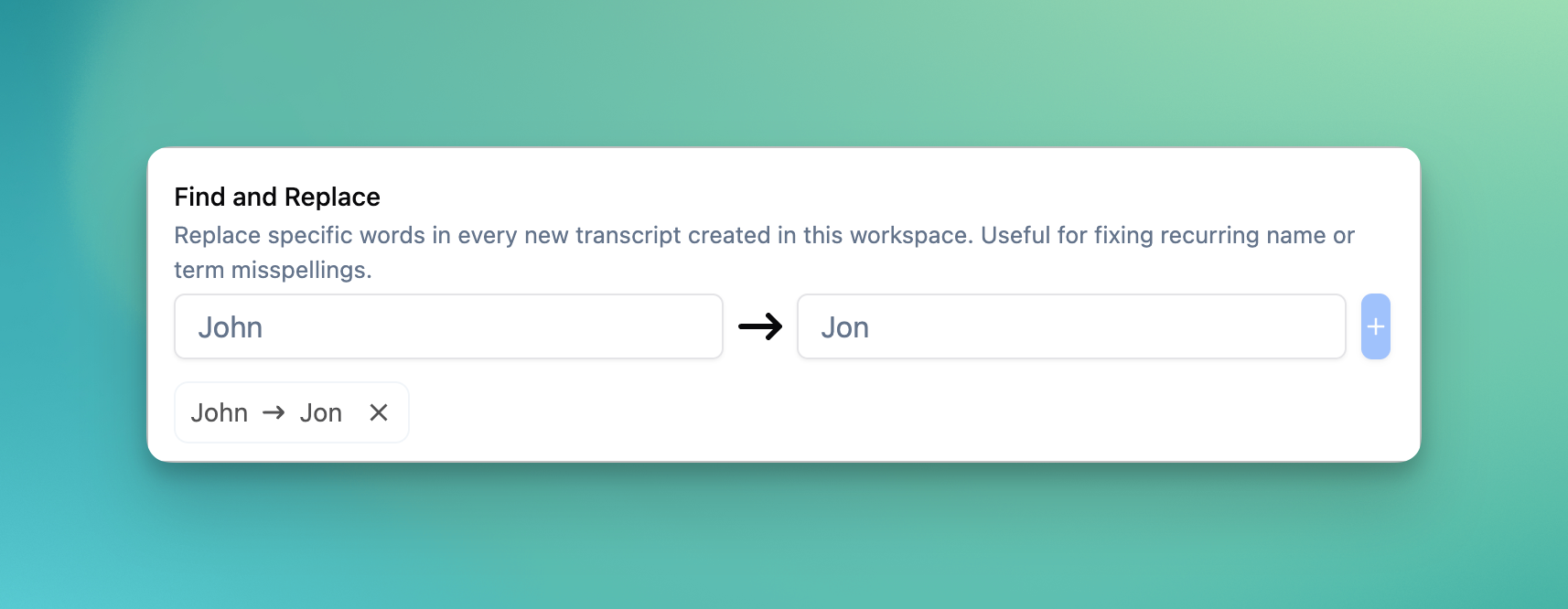
Now you can save all those preferences in your workspace, and we'll automatically clean up every new transcript in the workspace.