Now agentic — connect Claude or ChatGPT to your recordings
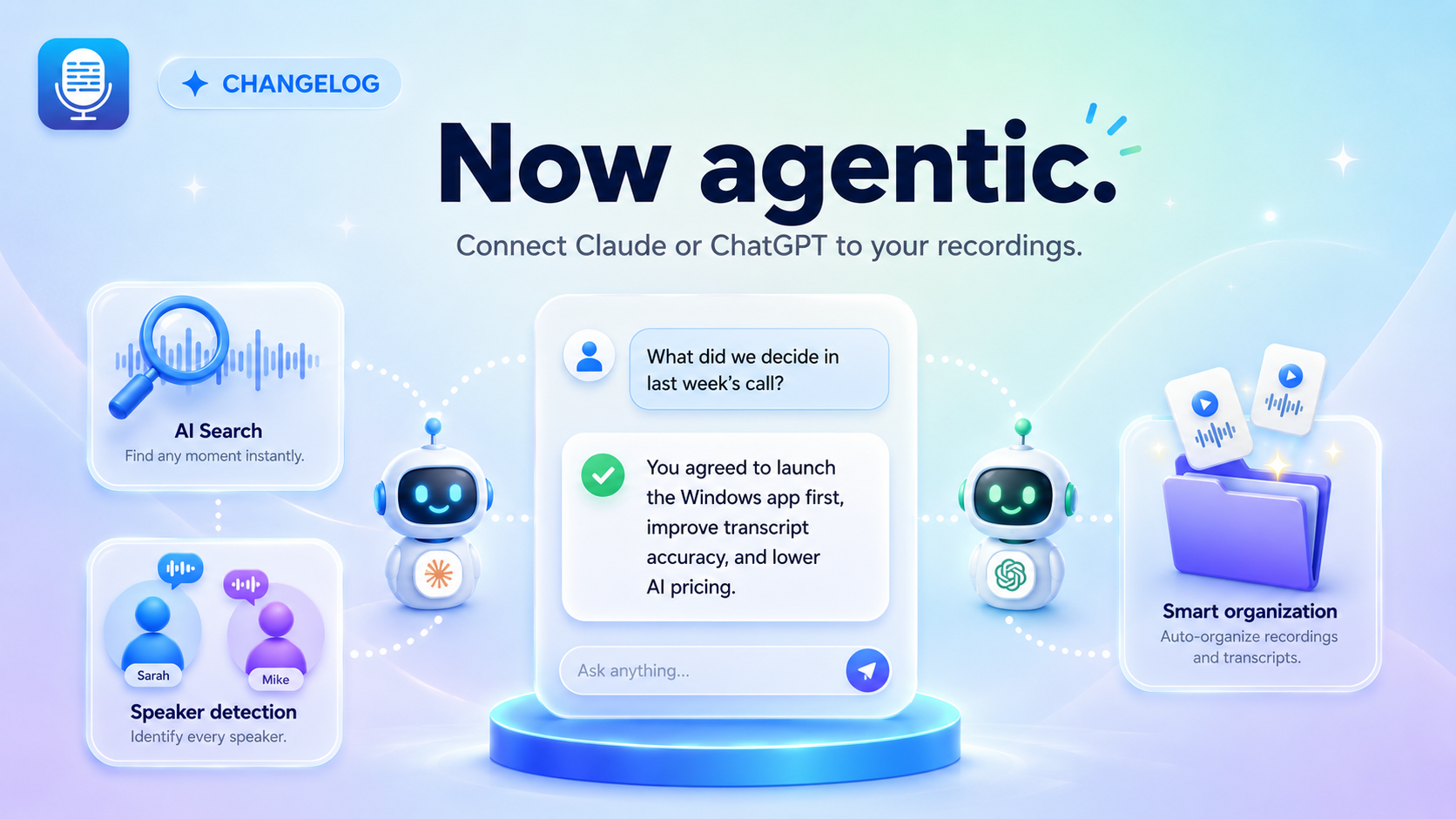
Your recordings just became a knowledge base your AI assistant can actually use. Connect Transcript LOL to Claude or ChatGPT, and your agent can search your meetings, pull transcripts, read insights, organise recordings, and more — all through natural conversation.

Ask questions, get answers from your meetings
Once connected, your agent has access to your entire workspace. It can search across every recording, fetch full transcripts and translations, read AI-generated insights, and discover your folders and speakers.
Some things you can ask:
"What did Sarah commit to in yesterday's standup?"
"Find every mention of the Q3 budget across my recordings this month."
"Translate the transcript of my interview with the Madrid team and pull out the action items."
Your agent can tidy up, too
The agent doesn't just read — it can organise and act on your workspace. Try:
"Read the transcript of this morning's interview, figure out who's speaking, and label the speakers."
"Set up a folder for each client and file my recordings from this quarter into them."
"Create a new insight prompt that extracts action items with owners and deadlines, and save it to my workspace."
The speaker one deserves a special mention: agents can read the conversation, infer who's who from context — introductions, names mentioned, who's asking versus answering — and assign the labels for you. What used to be a manual cleanup chore is now a one-line request.
A smarter search to power it all
Agentic access is only as good as the search behind it — so we rebuilt it.
Search now supports semantic mode: instead of matching exact words, Smart mode understands what you mean. Searching "budget concerns" will surface the moment someone said "I'm worried we're overspending." Prefer literal matching? Toggle to Exact mode.

The search dialog got a full redesign too — filter by speaker and date, see match scores on results, and jump straight to the exact moment in a recording with timestamped seek links.

Full REST API for developers
Everything the agents can do, you can build with. This release adds REST endpoints for:
Search — query your recordings programmatically, with the same semantic search
Prompts — manage your workspace's insight prompts
Speakers — create and manage speakers
Organisation — move recordings between folders

Plus transcript and translation fetching now supports time-range offsets, so you can pull just the segment you need.
Smaller improvements
Speaker names now appear in transcripts and translations fetched by agents — no more "Speaker 1" when you've already labeled everyone
Timestamps in the transcript view are now seekable, with fixed auto-scroll and deep links
Polished search result cards
Getting started
Connecting takes about a minute — Transcript LOL runs as an MCP server, so it plugs into Claude, ChatGPT, or any MCP-compatible client. Add it as a connector, sign in, and start asking. Follow the setup guide here.
Your meetings have always held the answers. Now you can just ask for them.
Praveen