Introducing the Transcript LOL Mac App 🎉
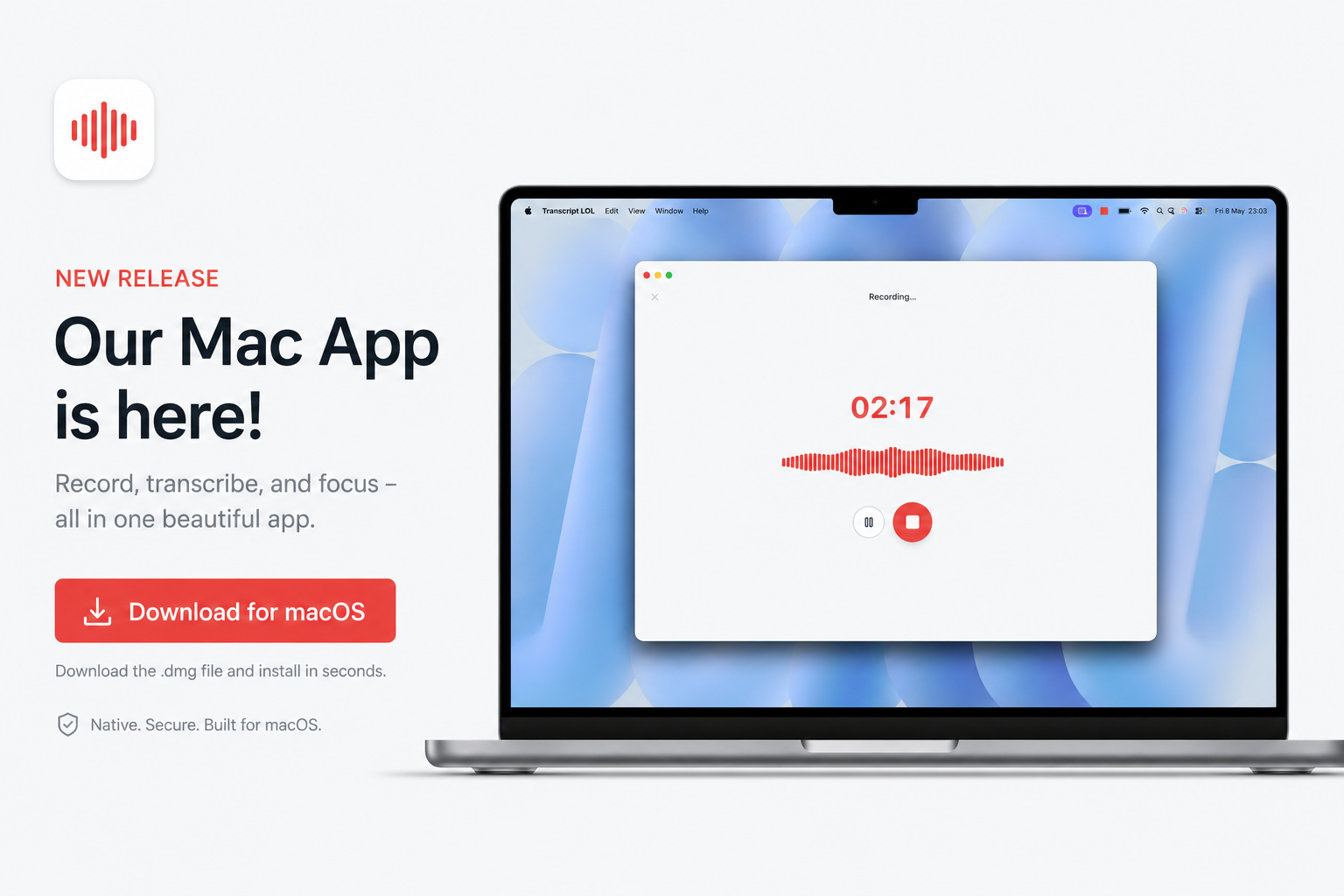
Record meetings from any app on your Mac — Zoom, Google Meet, Microsoft Teams, Slack huddles, FaceTime, even a YouTube video playing in your browser. If it makes sound on your Mac, we can transcribe it.
⬇️ Download for Mac (Apple Silicon)
One-click recording from your menu bar
No more juggling browser tabs or hunting for the right window. A small icon lives in your macOS menu bar — click it once to start recording, click it again to stop. That's it.
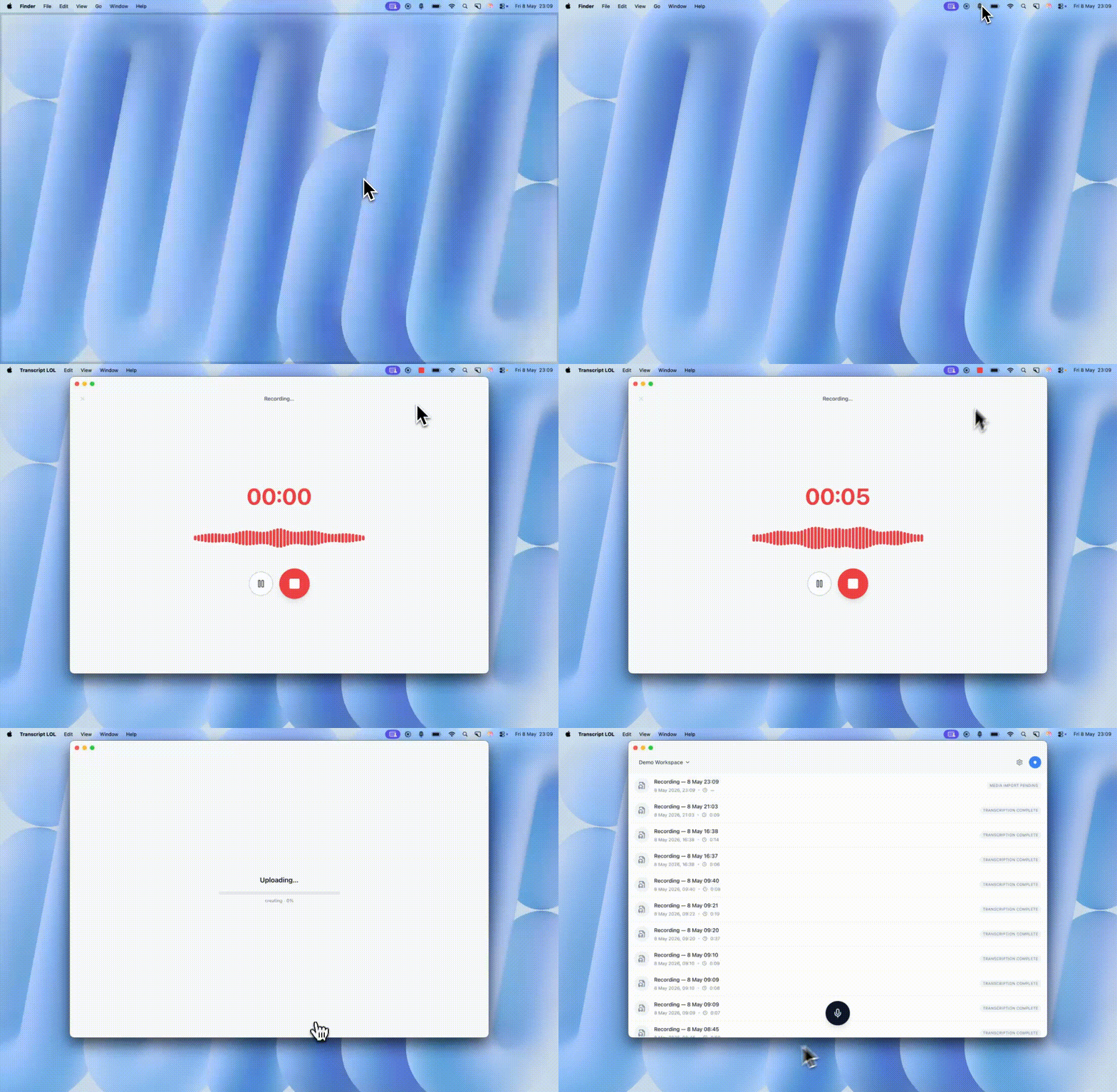
The recording uploads straight to your Transcript LOL account, where transcription, speaker detection, summaries, and AI insights kick off automatically.
What's new
macOS desktop app for capturing both microphone and system audio simultaneously, so every voice in the meeting gets transcribed — not just yours
Menu bar controls to start and stop recordings with a single click, without ever opening the app window
Auto-updates built in, so you'll always be on the latest version without lifting a finger
Getting started
Drag it to your Applications folder
Sign in with your Transcript LOL account
Grant microphone and screen recording permissions when prompted
Click the menu bar icon and start recording
Apple Silicon (M1/M2/M3/M4) builds available now. Intel and Windows builds coming soon.